Website · Work by Oyiza
OyizaMusa.com
Oyiza’s own website: portfolio, ventures, a learning gateway, an admin for every page and the API behind it, made with AI.
- Next.js
- React
- TypeScript
- Tailwind CSS
- Laravel
- PostgreSQL
Bring an idea. Build the product.
Build websites, applications and digital products with AI.
build "a booking app for a hair studio"
Glow Studio
DemoWho it is for
“You don’t have to start as a developer. You start with an idea, and learn to work with AI to turn it into a product people can use.”
How a product is built
Follow one example product, a booking app for a hair studio, from the first idea to a live address. Every product you build in the course goes the same way.
Stage 01
Say what the product is, who it is for and what it must do, clearly enough for AI to build from.
→ A clear product brief
Stage 02
Shape the screens and the flow before a line of code: what the user sees, taps and expects.
→ Screens and a user flow
Stage 03
Work with AI as a development partner to build the interface and the logic behind it, and understand what it writes.
→ A working interface
Stage 04
Give the product a memory and a voice: a database, sign in, and the services it talks to.
→ Data that saves and loads
Stage 05
Check that it works, find what breaks, and fix it, including the mistakes AI makes.
→ A product that holds up
Stage 06
Put it on the internet under its own address, then keep improving it.
→ A live product
The product shown is an example, drawn for this page.
What you will build
A personal or business website, designed, built and published under your own address.
Customers choose a service and a time, and the booking is saved and confirmed.
A small web app that uses an AI model to do one useful job for its user.
Take an idea of your own through every stage, from the brief to a live product.
Built with this method
Websites and apps Oyiza Musa built with AI-assisted development. They show what this way of building produces. They are not student work.
Website · Work by Oyiza
Oyiza’s own website: portfolio, ventures, a learning gateway, an admin for every page and the API behind it, made with AI.
Web App · Work by Oyiza
This learning platform: courses, programs, the course pages you are reading and the API and admin behind them, made with AI.
Web App · Work by Oyiza
A vehicle recovery platform: an instant quote, booking and live tracking of the recovery, made with AI.
What you will learn
Curriculum
Turn an idea into something AI can build from.
ProjectWrite the brief for your own website.
Decide what the user sees before building it.
ProjectDesign the screens of your website.
Build what people see, with AI as your partner.
ProjectBuild your website.
Give the product a memory and connect it to the world.
ProjectBuild a booking app that saves its bookings.
Find what breaks and fix it.
ProjectTest and fix your booking app.
Put it on the internet and keep improving it.
ProjectTake your own product idea live.
Tools
How enrollment works
Enter your details on the course’s enrollment page.
Pay using the instructions shown, with your reference.
Upload your payment evidence. It is stored privately.
Message Oyiza with your reference. Your place is confirmed once payment is verified.
Your instructor

Oyiza Musa
Software Engineer | Entrepreneur
Software engineer and entrepreneur in Lagos, working across technology, media, business systems and product commercialization.
Read the full story on OyizaMusa.com (opens in a new tab)Questions
No. The course starts from the idea and from how to work with AI. You learn the code you need as you build, and how to read and check what AI writes, so you understand your product rather than just copying it.
The projects you build along the way, from your own website to a product idea of your own taken live.
A computer, an internet connection and an idea you want to build. The tools used in the course are listed on this page.
It is not a computer science degree, and it is not for someone who wants only theory. It is for people who want to build something real and are willing to learn by making it.
Enrollment is not open yet. The price, the format and the start date will be published on this page when it opens.
Create stories.Create worlds.Create with AI.
AI Film Production · AI Characters
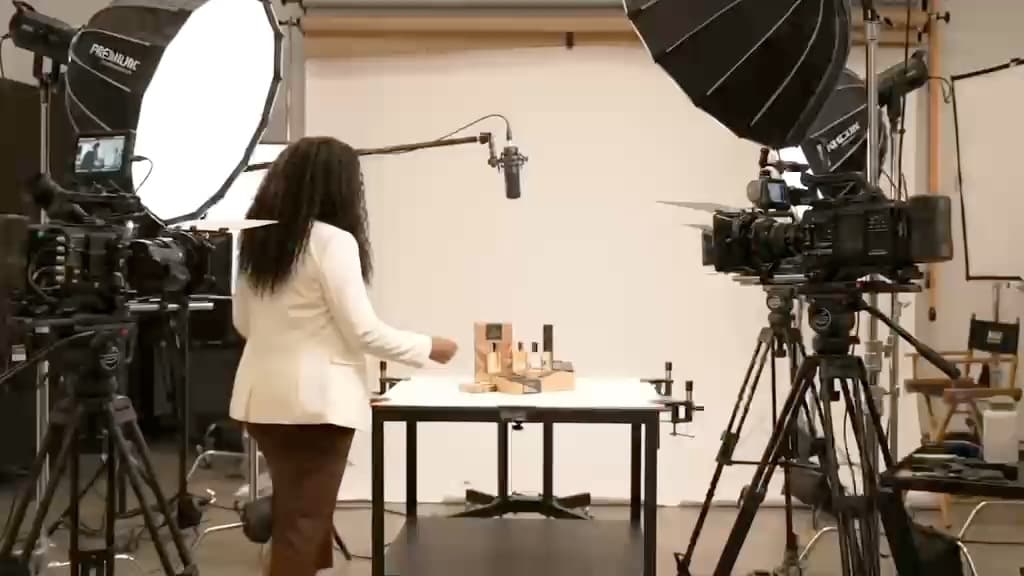
Explore courseStill: Afrocode Studios brand filmPut money behind a product.Read what happens.Decide.
Paid Acquisition · Campaign Strategy
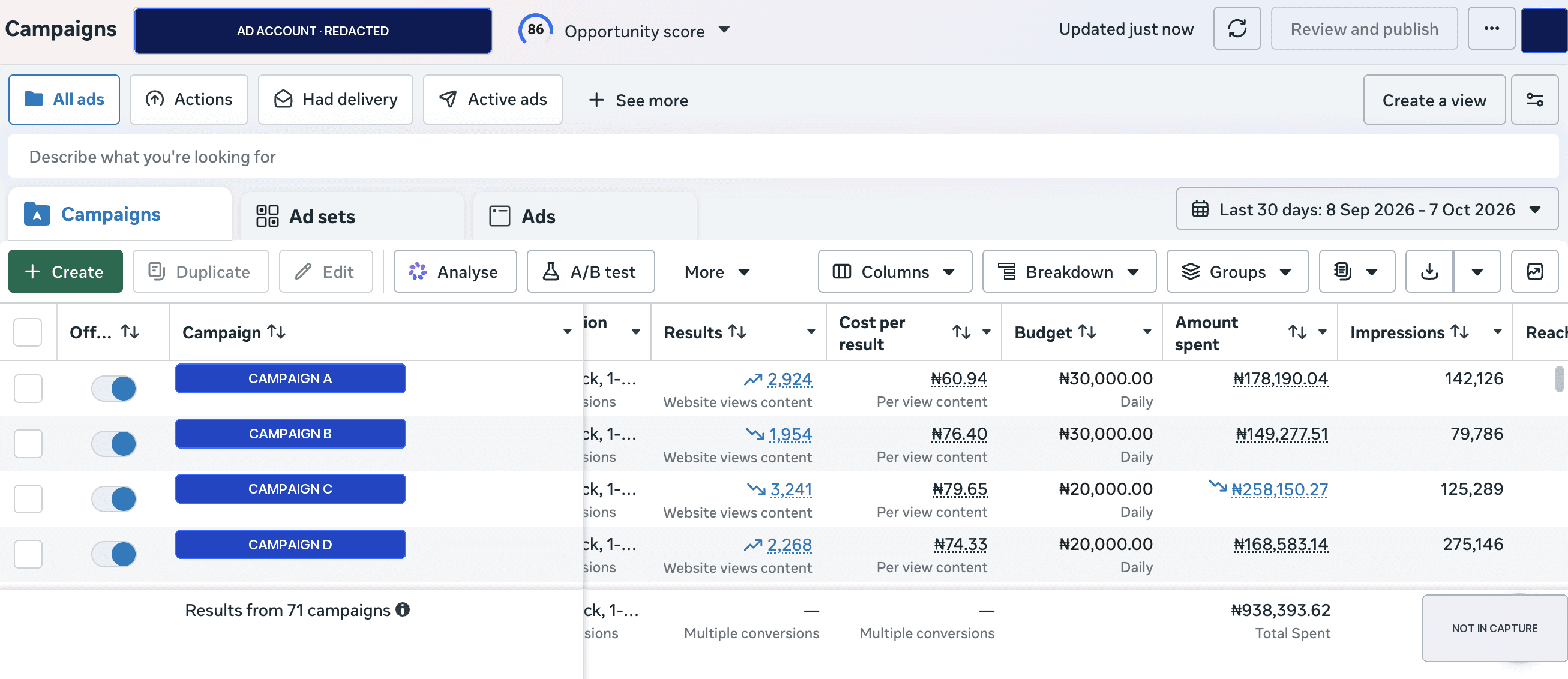
Explore courseExhibit: a real Meta campaign table, redacted